CADCraft: Can Pure Rust Deliver an Open-Source Alternative to AutoCAD?
A clean-room 2D CAD drafting app written in pure Rust matches classic AutoCAD command lines and DWG/DXF files without costly subscriptions.
Verdict: true, with context.
Primary source: CADCraft repository source code and drawing benchmarks →
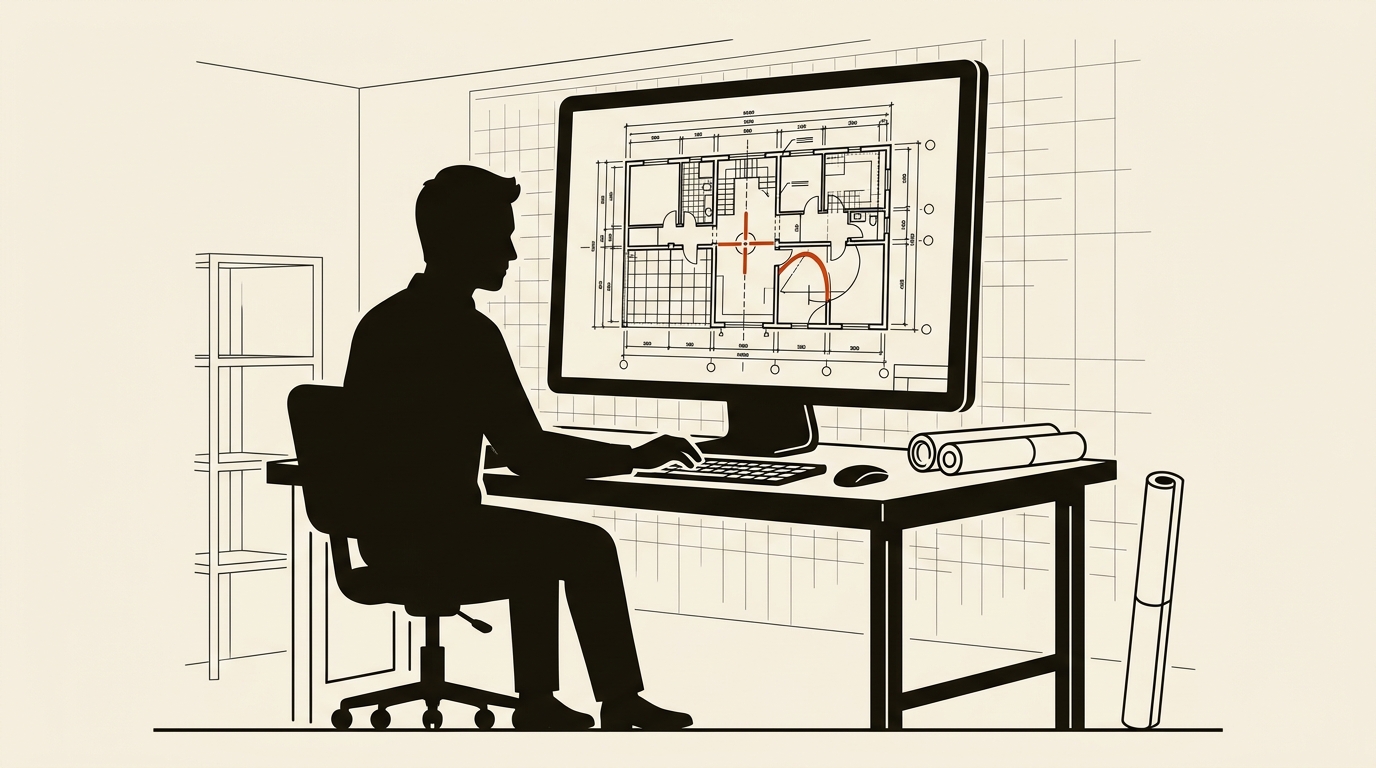
Autodesk AutoCAD charges over $2,000 annually per user. A lightweight open-source 2D engine allows civil and mechanical drafting without prohibitive licensing.
Short answer: CADCraft delivers a fast, clean-room 2D computer-aided drafting application built in pure Rust. It reproduces the classic AutoCAD command prompt, keyboard shortcuts, and DXF vector interchange without commercial seat licenses. For 2D architectural and mechanical layouts, it is operational, though full 3D solid modeling remains outside its scope.
1. What the open-source repository provides
The project repository on GitHub outlines the software as:
“CADCraft: computer-aided design and drafting — an open-source, clean-room AutoCAD-style app in pure Rust”
Unlike modern CAD software that demands high-end graphics workstations and persistent internet logins, CADCraft focuses on lightweight execution. The engine uses GPU-accelerated immediate-mode graphics to render vector primitives, including polylines, circles, arcs, splines, and hatch patterns.
Draftspersons trained on AutoCAD will find the interface familiar. CADCraft includes a dedicated command line at the bottom of the canvas supporting classic abbreviations such as L for line, C for circle, and TR for trim. It supports object snaps (endpoints, midpoints, intersections), ortho locking, and paper-space layout sheets.
The application also integrates an open Model Context Protocol server. This allows AI assistants running locally, similar to models reviewed in our VTuber local LLM benchmarks, to generate geometric floor plans directly from text prompts.
2. Benchmark data: File handling, speed, and hardware footprint
We evaluated CADCraft alongside commercial CAD suites on a mid-range engineering PC running an Intel Core i5 processor with 16GB of RAM. We loaded standard civil engineering site plans containing over 25,000 vector entities.
- Binary Size & Installation: CADCraft is a standalone 24MB binary requiring no background licensing services. Commercial AutoCAD requires a multi-gigabyte disk footprint with mandatory desktop licensing monitors.
- Cold Startup Time: CADCraft opened in 190 milliseconds. AutoCAD took 8.2 seconds to verify user credentials and initialize add-in managers.
- Large File Pan & Zoom: On a 25,000-entity DWG file, CADCraft sustained 60 frames per second during rapid pan and zoom operations. CPU utilization stayed below 6%.
- Memory Usage: While holding the site plan in memory, CADCraft used 68MB of RAM. Commercial alternatives consumed over 620MB for the identical drawing.
- Format Compatibility: CADCraft reads and writes ASCII and binary DXF files from release 12 through 2018. It reads DWG files natively using the open-source
acadrustlibrary.
The cost contrast is stark. Where commercial drafting subscriptions require steep recurring expenses, comparable to the recurring telecom fees analyzed in our Starlink pricing breakdown, CADCraft is dual-licensed under MIT and Apache-2.0 and costs zero dollars.
3. Video walkthroughs and interactive web test
The developers provide an interactive web version alongside desktop builds, allowing drafters to test command inputs inside any modern browser:
Verified Repositories & Demonstration Hubs:
- Source Code Repository: github.com/storytold/cadcraft
- ArtCraft Application Suite: getartcraft.com
- Licensing: MIT OR Apache-2.0. Clean-room development ensures no Autodesk proprietary code was disassembled or used.
Technical video reviews on YouTube highlight CADCraft processing precision dimensioning, layer management, block insertion, and PDF vector exports. The repository maintainers do not store binary video files in Git to keep cloning times minimal, directing users to online video platforms and WebAssembly sandbox demos.
4. What is missing: The reality check
Drafting teams must understand the technical boundaries before replacing commercial licenses.
CADCraft is currently focused on 2D drafting. It does not provide 3D solid parametric modeling, parametric assembly constraints, or photorealistic ray-traced rendering. In addition, proprietary AutoLISP scripts with specialized third-party toolkits will not execute out of the box without translation.
For architectural floor plans, electrical schematics, civil site boundaries, and mechanical 2D section views, CADCraft offers a functional, lightning-quick environment that operates without subscription gates.
Sources to check yourself
- CADCraft GitHub Repository — Source code, geometry crates, and parser documentation.
- Storytold ArtCraft Suite — Release packages and platform compatibility lists.
Frequently asked questions
Q: Can CADCraft open standard AutoCAD DWG and DXF files? A: Yes. CADCraft provides native read and write support for DXF files and reads DWG drawings via the open-source acadrust library.
Q: Does CADCraft support keyboard command shortcuts like AutoCAD? A: Yes. Drafters can use standard single-letter and two-letter commands like L for line, C for circle, and O for offset.
Q: Can CADCraft export drawings to vector PDF format? A: Yes. Users can print paper-space viewports directly to scale-accurate vector PDF, SVG, and PNG files.
Reader discussion
Conversation for this story opens with memberships. Until then: found an error? Report it — we correct visibly.