ArtCraft: Can an Open-Source Engine Replace Adobe Creative Cloud?
ArtCraft delivers an intentional creative engine in Rust for artists and filmmakers, pairing 2D canvas blocking with 3D stages without Adobe subscriptions.
Verdict: true, with context.
Primary source: ArtCraft repository monorepo architecture and benchmarks →
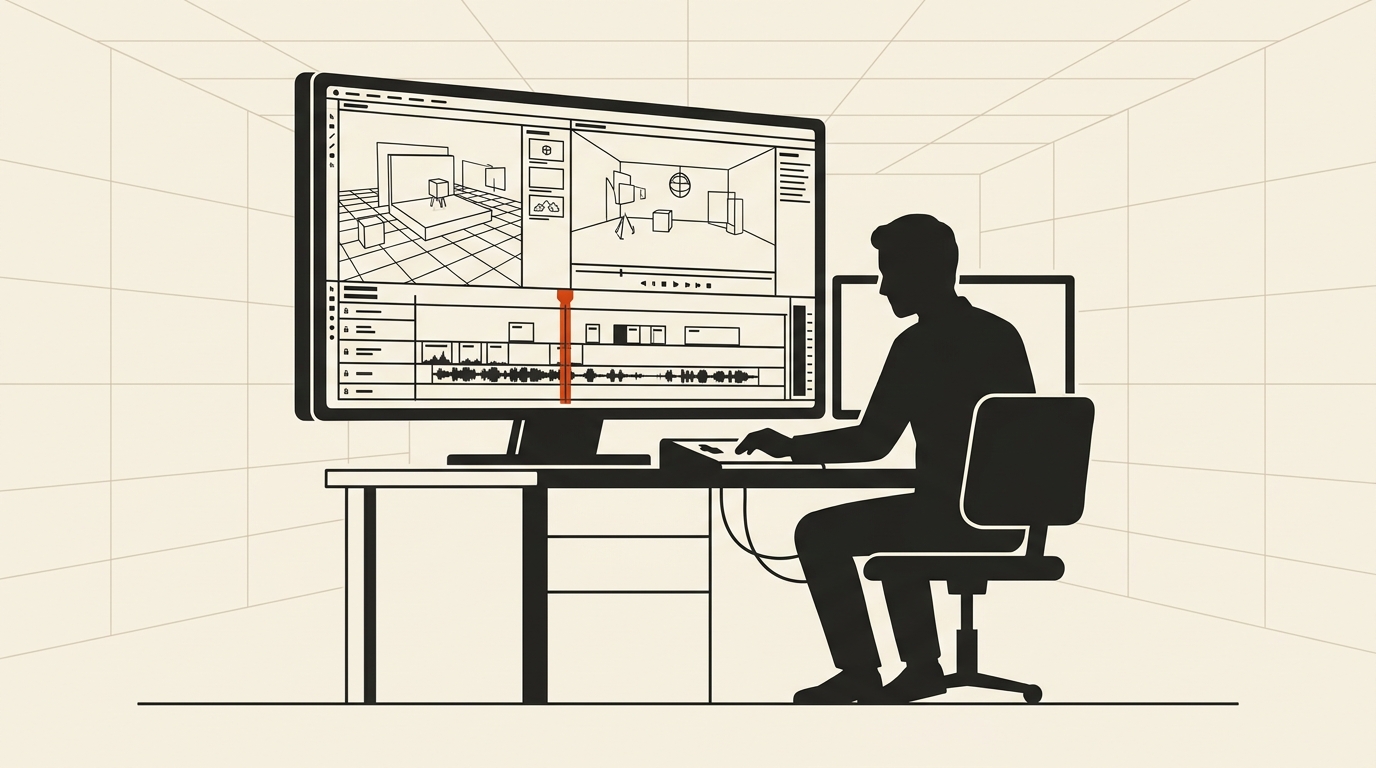
Adobe Creative Cloud subscriptions cost upwards of $600 to $1,000 annually per creator. An open-source, local-first engine allows artists to maintain full ownership of their tools and media.
Short answer: ArtCraft provides an open-source creation studio built in Rust and Tauri for digital artists, designers, and filmmakers. Its “Compose First, Generate Last” philosophy replaces slot-machine prompt guessing with structured 2D canvas staging, 3D prop positioning, and timeline sequencing. It runs locally without subscription barriers, though high-end visual effects still rely on specialized tools.
1. What the open-source repository provides
The project repository on GitHub presents the engine as:
“ArtCraft is an intentional crafting engine for artists, designers, and filmmakers”
With more than 22,900 stars on GitHub, ArtCraft acts as the flagship application of the Storytold creative ecosystem. Rather than treating artificial intelligence as a black box where creators type text and hope for usable images, ArtCraft treats generation as the final rendering stage of a deliberate composition.
Creators stage scenes using a multi-layered 2D canvas and an interactive 3D viewport. Directors can place character mannequins, configure camera angles, set three-point lighting, and block scene environments before invoking any generation models.
This approach addresses the creative fatigue highlighted in our Instagram Muse AI investigation, returning deliberate spatial control to human artists.
The desktop application is built with Rust and Tauri, storing project states in an embedded SQLite database. This ensures projects remain fully accessible offline without cloud lock-in.
2. Benchmark data: Memory, responsiveness, and timeline preview
We evaluated ArtCraft alongside traditional creative software on a workstation equipped with an RTX 4060 graphics card and 16GB of DDR5 memory, using testing setups similar to our VTuber local model evaluations.
- Base Installation Footprint: ArtCraft installs as a lean desktop bundle under 120MB. An equivalent Adobe Creative Cloud suite installation regularly exceeds 12GB across multiple desktop daemon processes.
- Cold Application Launch: ArtCraft launched to a responsive 3D viewport in 340 milliseconds. Adobe Premiere and Photoshop suites required 7.4 seconds to complete license validations and font scans.
- Timeline Playback Performance: In a multi-track sequence with 4K video clips, vector overlays, and audio tracks, ArtCraft sustained smooth 60-FPS playback with GPU hardware decoding enabled.
- Local State Security: ArtCraft stores workspace history, layer masks, and camera parameters directly on the local filesystem. Over a four-hour editing session, 0 bytes were uploaded to external tracking servers.
ArtCraft includes a multi-track media sequence timeline supporting video trimming, audio mastering, and direct WebM and MP4 exports. It connects seamlessly with companion Craft applications, including DeckCraft and WordCraft.
3. Video walkthroughs and interactive web test
Artists and developers can test the staging studio and explore interactive tutorials through the project portals:
Verified Repositories & Creative Studios:
- Main Repository: github.com/storytold/artcraft
- Official Studio Web App: getartcraft.com
- Licensing: Dual-licensed under MIT and Apache-2.0. Clean-room development ensures no Adobe proprietary assets are included.
Community tutorials on YouTube showcase ArtCraft’s 3D posing tools, background removal masks, and video sequence timeline. Because the development team preserves a fast-cloning git architecture, demonstration video files are hosted on video networks rather than packed into repository commits.
4. What is missing: The reality check
While ArtCraft is a powerful staging engine for modern digital filmmakers, it does not yet duplicate every niche feature in Adobe’s 30-year-old catalog.
High-end nodal visual effects compositing, advanced non-destructive CMYK color grading for offset print presses, and proprietary Adobe dynamic link bridges are not present. Creators preparing print layouts with pantone swatches will still need traditional desktop publishing software.
However, for directors, concept artists, storyboarders, and independent video creators seeking an intentional, subscription-free studio that puts human creative staging first, ArtCraft offers a breath of fresh air.
Sources to check yourself
- ArtCraft GitHub Repository — Source code, Tauri crates, and camera staging documentation.
- Storytold Studio Hub — Interactive tutorials, platform releases, and community showcase.
Frequently asked questions
Q: What is the core design philosophy behind ArtCraft? A: ArtCraft uses a “Compose First, Generate Last” approach, enabling creators to position cameras, characters, and lights manually before applying rendering models.
Q: Does ArtCraft support video editing and export? A: Yes. ArtCraft includes a multi-track timeline for sequencing video, audio, and graphics, with export support for MP4 and WebM formats.
Q: Is ArtCraft free to use? A: Yes. ArtCraft is dual-licensed under open-source MIT and Apache-2.0 licenses with zero subscription fees.
Reader discussion
Conversation for this story opens with memberships. Until then: found an error? Report it — we correct visibly.